Accounting software for self-employed professionals can make it easier to manage income, expenses, invoices, and financial records. Whether you work as a freelancer, consultant, independent contractor, or run a small service business, the right software can help you stay organized and spend less time managing paperwork.
What Should Accounting Software for Self-Employed Professionals Do?
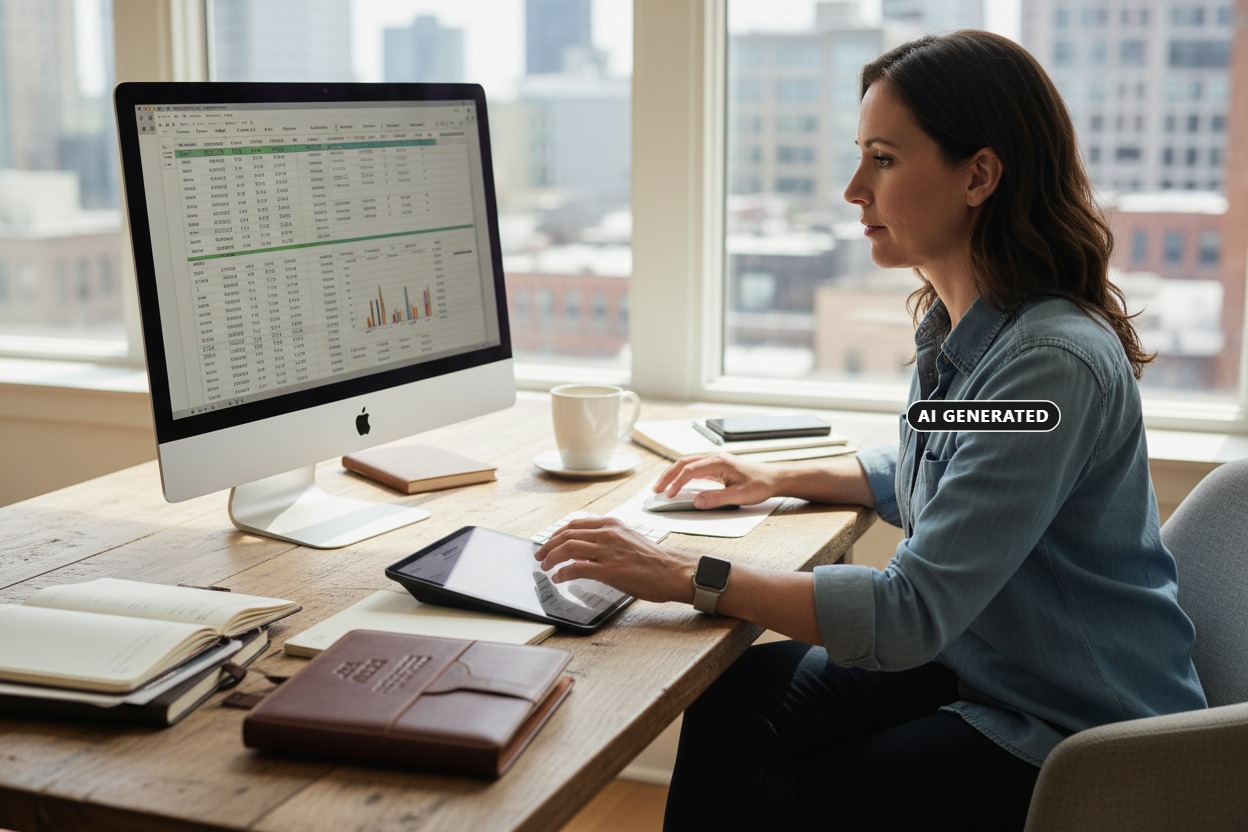
Self-employed professionals often handle many financial tasks on their own, so accounting software should make those tasks easier rather than more complicated. Useful software can help organize income and expenses, create invoices, track payments, store financial information, and generate reports. The right features will depend on the type of work you do, how many clients you serve, and how much financial management you handle yourself.
Track Income and Expenses
Self-employed professionals need a simple way to see where their money is coming from and where it is going. Accounting software can help organize business income and expenses, making it easier to monitor cash flow and keep financial records up to date. Look for software that lets you categorize transactions, record payments, and review your financial activity without requiring complicated bookkeeping processes.
Create Professional Invoices
Getting paid on time is important for self-employed professionals. Accounting software can make it easier to create professional invoices, include descriptions of services, track due dates, and record customer payments. If you regularly invoice clients, look for software that makes the invoicing process simple and helps you keep track of outstanding balances.
Separate Business and Personal Finances
Keeping business and personal finances separate can make bookkeeping much easier. A dedicated business bank account can help you clearly identify business income and expenses and make financial records easier to review. Accounting software can also help organize transactions so you can better understand your business finances without mixing them with personal spending.
Track Business Expenses and Receipts
Business expenses can add up quickly, especially for professionals who purchase supplies, equipment, software, travel, or other services for their work. Accounting software can help you categorize expenses and keep track of receipts and transactions throughout the year. Having organized records can make it easier to review spending, monitor cash flow, and prepare your financial information when tax time arrives.
Manage Taxes and Financial Records
Keeping accurate financial records throughout the year can make tax preparation easier. Accounting software can organize income, expenses, invoices, and other transactions so you have a clearer record of your business activity. Look for tools that provide useful financial reports and make it easy to review your records. Accounting software does not replace professional tax advice, but organized records can give you and your tax professional better information to work with. For additional information about business recordkeeping, see the IRS guidance on recordkeeping for small businesses and self-employed individuals.
Choose Software That Fits Your Work
The right accounting software for self-employed professionals depends on how you earn income and manage your business. A freelancer with a few clients may need a simpler set of tools than a consultant with recurring clients, employees, or subcontractors. Consider the number of clients you serve, how often you send invoices, the types of expenses you track, and the financial reports you need. Choosing software that matches your workflow can make it easier to stay organized as your business grows.
QuickBooks for Self-Employed Professionals
QuickBooks is one accounting software option that self-employed professionals may consider for managing their business finances. Depending on the plan, QuickBooks can provide tools for tracking income and expenses, creating invoices, recording payments, and reviewing financial reports. Before choosing a plan, consider which features you actually need and whether the software fits the way you manage your business.
What Features Should You Look For?
The most useful features will depend on your business, but several can make financial management easier. Look for straightforward income and expense tracking, invoicing, payment recording, receipt organization, and financial reporting. You may also want features such as bank account connections, mileage tracking, estimates, or payroll if they apply to your work. Focus on the tools you are most likely to use rather than paying for features you do not need.
Is Accounting Software Worth It for Self-Employed Professionals?
Accounting software for self-employed professionals can be worthwhile for those who want to spend less time organizing financial information and more time focusing on their work. Keeping income, expenses, invoices, and payments organized can make it easier to monitor cash flow and understand how the business is performing. Even a simple accounting system can provide useful structure as your business grows and your financial responsibilities increase.
Final Checklist for Choosing Accounting Software
Before choosing accounting software, make sure it can handle the tasks that are most important to your work. Look for easy income and expense tracking, professional invoicing, payment management, receipt organization, and useful financial reports. If you work with multiple clients, travel for work, use subcontractors, or have other specific needs, consider whether the software includes features that support your workflow. The goal is to choose a solution that keeps your financial information organized without adding unnecessary complexity.
Final Thoughts
Accounting software for self-employed professionals can provide a simpler way to manage the financial side of a business. By tracking income and expenses, organizing receipts, creating invoices, and keeping financial records up to date, you can spend less time dealing with paperwork and have a clearer picture of your business finances. Take time to compare your needs and choose software that fits the way you work today while giving you room to grow.